.png)


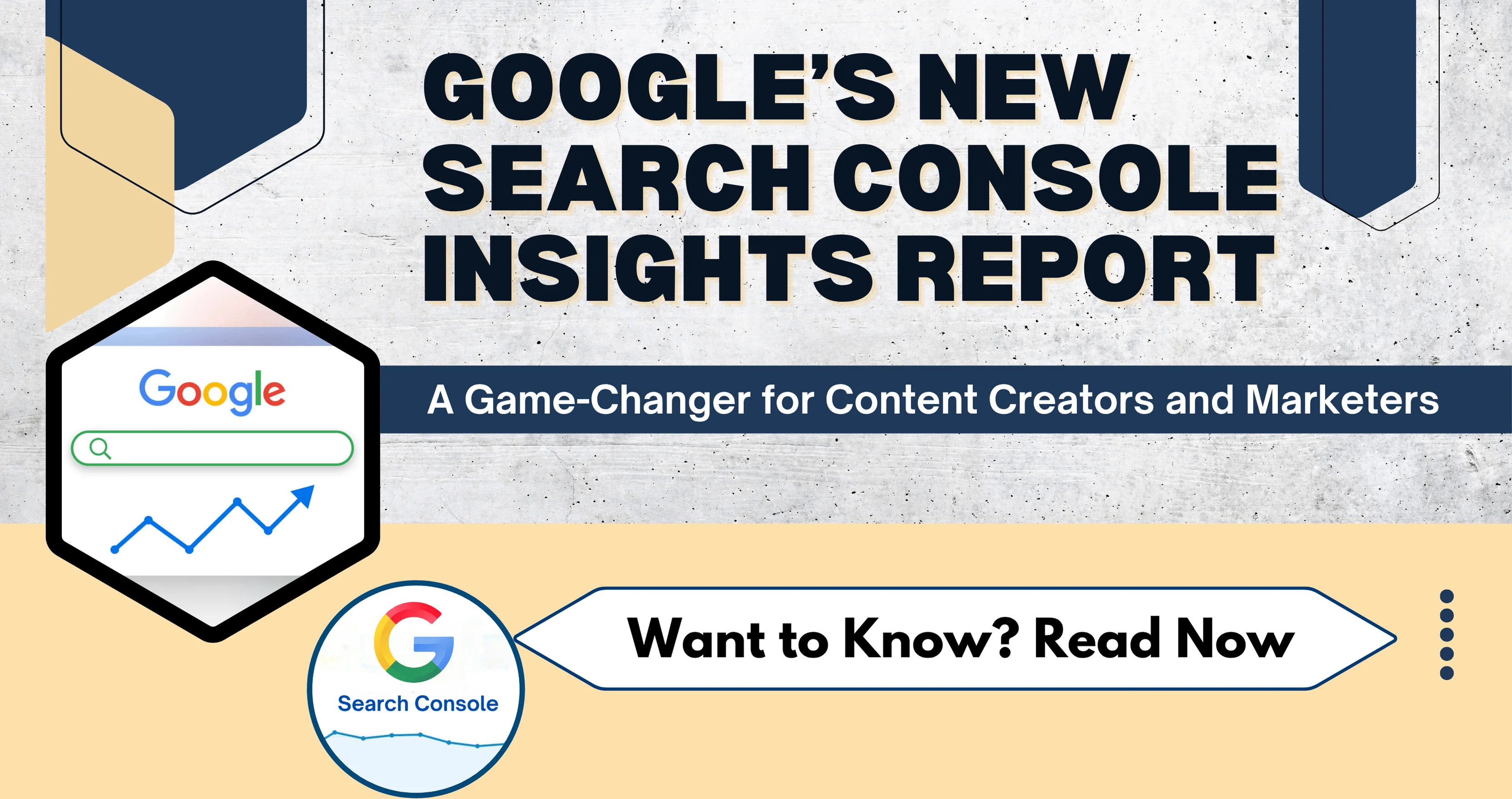
If you’re in the business of content—whether as a blogger, marketer, small business owner, or SEO pro—you know how important it is to understand your audience and how they interact with your content. That’s why Google’s updated Search Console Insights report, now built directly into the main dashboard, is a significant upgrade you shouldn't ignore.
Let’s explore everything you need to know about this new rollout: what’s changed, what’s new, why it matters, and how you can use it to drive your SEO and content strategy.
🧠 What Is Google Search Console Insights?
At its core, Search Console Insights is a simplified performance dashboard. It gives content creators a snapshot of how their content is performing—without needing to dig through technical data.
Originally launched as a beta with some Google Analytics integration, this tool is now fully integrated into the primary Search Console interface. This means you don’t need to go anywhere else—just click and view all the essential insights in one place.
Go In-depth: How to Use Google Search Console for Keyword Research in 2025
🔍 What’s New in the Updated Report?
Here are some of the most notable changes in the newly integrated report:
1. 📌 Sidebar Placement for Easy Access
You’ll now find a dedicated “Insights” tab in the left-hand sidebar of your Google Search Console. This improves accessibility and encourages regular usage.
2. 🎯 Focus on Content Performance (Not Just Traffic)
The report puts the spotlight on how your individual pieces of content are performing—including which posts are gaining attention and which ones are slowing down.
3. 🔥 “Trending” Labels
A new feature highlights pages that are suddenly trending up or trending down, helping you stay proactive.
4. 🏆 Achievement Milestones
Ever hit a content milestone like 1,000 clicks in a week? Now, the tool will actually notify you with cheerful messages. Great for morale—and strategy!
5. 📈 Search Trends You Can Act On
Instead of just seeing which keywords you rank for, this report shows which queries are gaining traction—so you can ride the wave early.

🕵️ Why This Update Matters for You
Whether you’re running a blog, managing a business website, or building a content strategy for a client, this new Insights experience gives you faster answers to key questions like:
-
Which blog post is performing the best this week?
-
What new search terms are bringing people to my site?
-
Is my recent content showing up in search yet?
-
Do I need to update older posts?
🔧 How to Use Search Console Insights (Step-by-Step)
Let’s walk through how you can actually use this new tool effectively:
Step 1: Log In
Visit Google Search Console and select your property.
Step 2: Click on the “Insights” Tab
Look in the left-hand navigation panel. Click the new “Insights” option.
Step 3: Scan the Overview
You’ll see:
-
Your site’s total clicks over the last 28 days.
-
A comparison to the previous period.
-
Top-performing pages, highlighted based on clicks and impressions.
-
New content Google has recently indexed.
Step 4: Dig Into “Search Queries”
Find out what terms users typed into Google to find your content. Use these for keyword strategy or content updates.
Step 5: Celebrate Milestones
View the “Achievements” section to recognize performance milestones (great for sharing with your team or on social media).

📈 Real-World Use Cases
Let’s bring this to life with some practical scenarios:
🧁 1. Food Blogger: “Which Recipe Is Trending?”
Say you posted a mango smoothie recipe last month. The report shows it’s trending upward in July. Great! You can now:
-
Update the post title to “Viral Mango Smoothie Recipe – July 2025”
-
Add a quick video
-
Promote it on Instagram
🏋️♀️ 2. Fitness Coach: “Which Topics Are Losing Steam?”
You notice your “home workout for winter” guide is trending down. No surprise—it’s summer. Use this as an opportunity to create a “Home Workout for Summer” follow-up.
🛍️ 3. E-commerce Store: “How Did the New Collection Perform?”
Just launched a new product page? Check if Google has indexed it yet, and whether it’s showing up for relevant keywords.
💡 SEO Strategy Tips Using Search Console Insights
This new version isn’t just for viewing data—it’s a tactical tool for growing your visibility.
✅ Update Declining Content
Flagged a trending-down page? That’s your cue to:
-
Refresh keywords
-
Add multimedia (images, video)
-
Improve meta tags or schema markup
-
Increase internal links
✅ Capitalize on Top Queries
Found a new keyword phrase driving traffic? Create a new post, video, or downloadable PDF targeting it.
✅ Optimize Winning Pages
Pages that are trending upward should be:
-
Internally linked from other articles
-
Shared across social media and email
-
Considered for ad campaigns
Go In-depth: How to Withstand Algorithm Updates and Optimize for AI Search
🧩 How It Compares to GA4 and Old GSC Insights
| Feature | Old Insights + GA | New Insights Only |
|---|---|---|
| Google Analytics Data | ✅ Included | ❌ Removed |
| Simplified Interface | ❌ Mixed with analytics | ✅ Cleaner and faster |
| Focused on Search Queries | ⚠️ Limited | ✅ Deep insights |
| Built into GSC | ❌ Standalone | ✅ Sidebar integration |
👉 TL;DR: Use Search Console Insights for content-specific performance. Use GA4 if you need bounce rate, session time, or conversion data

🛠️ Pro Tips to Go Beyond Basics
-
Schedule a Weekly Review – Make it part of your Monday marketing routine.
-
Tag New Pages – Keep track of when new content appears in “Recently Indexed.”
-
Monitor Mobile vs Desktop Trends – Not shown directly, but infer by top page performance if you test mobile responsiveness.
-
Export Data – For deeper analysis, pair GSC data with Looker Studio or Sheets.
-
Create an Internal Dashboard – Use Insights data as a performance layer in your larger content dashboard.
📌 Conclusion: Why You Should Use This Right Now
The new Search Console Insights report is built for busy creators and marketers who want actionable data—fast. It strips away complex analytics and tells you:
-
What content is working
-
What’s fading
-
Where your search traffic is coming from
If you publish content on the web, you can’t afford to ignore this. Use it weekly. Let it guide your SEO. Let it inspire your content calendar.
And hey—if one of your posts is trending up, give yourself a high-five. Google thinks you’re doing something right. 🎉
Ready to get started?
👉 Visit Search Console and dive into your new Insights tab today.
Frequently Asked Questions (FAQs)
Q1: What is Search Console Insights?
Search Console Insights is a simplified dashboard inside Google Search Console designed for content creators and publishers. It shows your top-performing pages, trending search queries, recent content performance, and referral traffic—in one easy view.
Q2: Who can use Search Console Insights?
Anyone with a verified Google Search Console property can access it. For richer metrics, it’s recommended to link a Google Analytics account (initially Universal Analytics; GA4 support is rolling out).
Q3: How does Search Console Insights choose "new content"?
The "New content" card highlights pages that received their first pageviews in the past 28 days and had little to no traffic in the prior year. It filters out non-content pages (e.g., comments, internal search) and duplicates like translations, showing the best-performing canonical pages.
Q4: What do the "trending up" and "trending down" labels mean?
These labels compare clicks over the last 28 days with the previous 28-day period. “Trending up” highlights pages or queries gaining momentum, while “trending down” flags those losing traction—based on absolute click volume changes.
Q5: Why is my GA data missing or different in Insights?
There are two main reasons why Google Search Console and Google Analytics show different data. First, you may not have linked or authorized your Search Console and Analytics accounts properly. When they aren’t connected, the data won’t match correctly. Second, both tools measure data in different ways. Google Analytics tracks sessions and often uses page titles, while Search Console focuses on search data and uses URLs. They may also use different date ranges, which adds to the differences.